
In this article, we’ll walk through the process of setting up a Continuous Integration (CI) pipeline for a sample Go project using GitHub Actions. CI is essential for any modern development workflow, as it automatically builds your code, runs tests, and ensures quality with every change. We will cover the creation of the application files, the module definition, and two distinct CI workflows: one for a fixed Go version and another for multi-version compatibility testing.
Step #1: Defining the Project Structure
Before writing the application logic or the CI configuration, we establish the necessary files and directories. This structure is standard for GitHub Actions workflows and Go modules.
(build root)
│
├── action.go
├── action_test.go
├── go.mod
├── go.sum
│
└── .github/
     └── workflows/
           ├── go.yml
           └── multiple-versions-go.yml
You will create each folder and file through GitHub → Add file → Create new file.
Step #2: Create Go Source Files
Inside the root of your repository, create a file named action.go
package actions

import (
	"fmt"
	"runtime"

	"rsc.io/quote"
)

func Demo() {
	fmt.Printf("Go version: %s\n", runtime.Version())
	fmt.Printf("GOOS: %s\n", runtime.GOOS)
	fmt.Printf("GOARCH: %s\n", runtime.GOARCH)

	fmt.Println(quote.Go())
}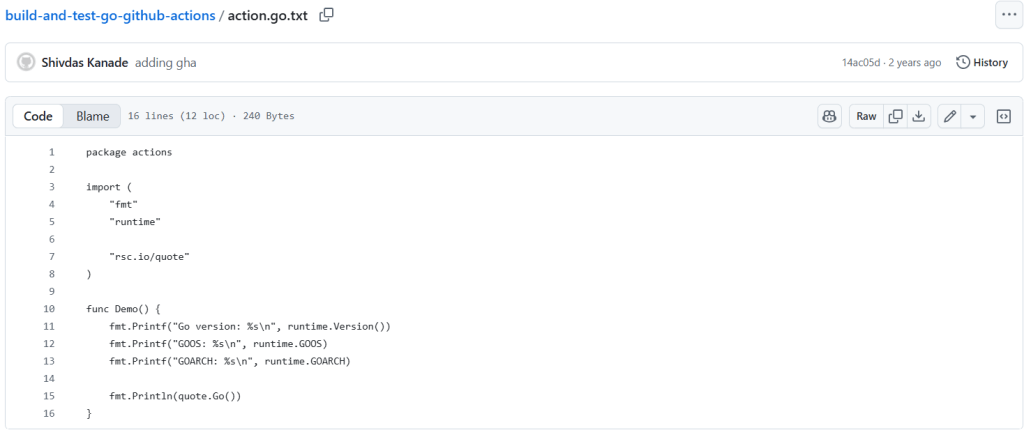
Explanation:
package actions: Grouping the code logically.importBlock: We bring in the necessary libraries:fmt(for formatting output),runtime(to get system info like OS and architecture), and our external dependencyrsc.io/quote.func Demo(): This function executes a few simple print statements, demonstrating that the program can successfully access runtime variables and call functions from the externalquotelibrary.
A CI pipeline is useless without tests! We need to ensure that the Demo function runs without errors or panic messages. action_test.go
package actions

import (
	"testing"
)

func TestDemo(t *testing.T) {
	Demo()
}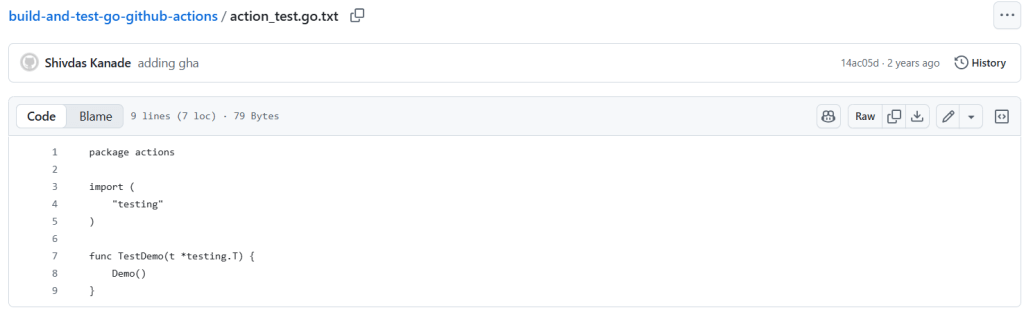
Explanation:
import "testing": The essential Go standard library for writing tests.func TestDemo(t *testing.T): Go’s test runner automatically detects any function that starts withTestand takes a*testing.Targument.Demo(): In this simple case, callingDemo()is enough. If the function panics or hits a runtime error, the test fails, and the CI job stops, alerting us immediately.
go.mod: The module file that defines the module path and dependencies.
module dummy.module/actions

go 1.18

require rsc.io/quote v1.5.2

require (
	golang.org/x/text v0.0.0-20170915032832-14c0d48ead0c // indirect
	rsc.io/sampler v1.3.0 // indirect
)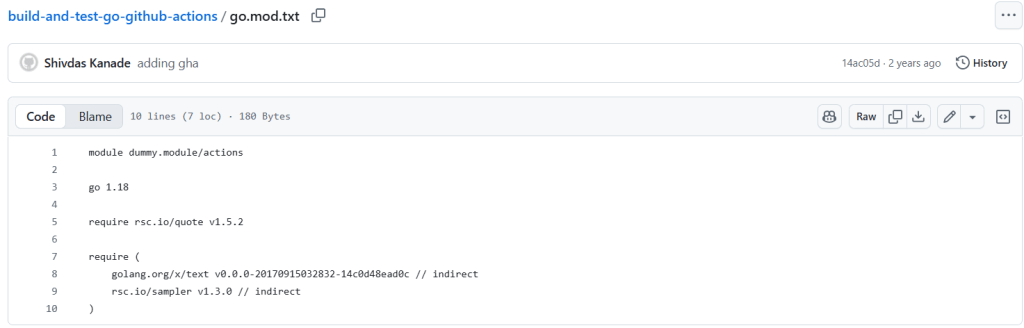
Explanation:
- Declares the Go module name.
- Specifies Go version 1.18.
- Includes dependency
rsc.io/quote. - Includes indirect dependencies required internally by Go.
go.sum: The dependency verification file, generated by Go, ensuring integrity.
golang.org/x/text v0.0.0-20170915032832-14c0d48ead0c h1:qgOY6WgZOaTkIIMiVjBQcw93ERBE4m30iBm00nkL0i8=
golang.org/x/text v0.0.0-20170915032832-14c0d48ead0c/go.mod h1:NqM8EUOU14njkJ3fqMW+pc6Ldnwhi/IjpwHt7yyuwOQ=
rsc.io/quote v1.5.2 h1:w5fcysjrx7yqtD/aO+QwRjYZOKnaM9Uh2b40tElTs3Y=
rsc.io/quote v1.5.2/go.mod h1:LzX7hefJvL54yjefDEDHNONDjII0t9xZLPXsUe+TKr0=
rsc.io/sampler v1.3.0 h1:7uVkIFmeBqHfdjD+gZwtXXI+RODJ2Wc4O7MPEh/QiW4=
rsc.io/sampler v1.3.0/go.mod h1:T1hPZKmBbMNahiBKFy5HrXp6adAjACjK9JXDnKaTXpA=
Explanation:
- Stores cryptographic checksums for module dependencies.
- Required by Go to ensure secure, verified module downloads.
Step #3: Create GitHub Actions Workflows
The workflow files are located in the .github/workflows/ directory.
First create .github/workflows/go.yml (Single Version). This simple workflow runs the build and test on a single version of Go.
name: Go Project

on: [push]

jobs:
  build:
    runs-on: ubuntu-latest
    steps:
      - uses: actions/checkout@v3

      - name: Set up Go
        uses: actions/setup-go@v3
        with:
          go-version: 1.15

      - name: Build
        run: go build -v ./...

      - name: Test
        run: go test -v ./...
Explanation:
name: Go Project: Sets the name of the workflow visible on GitHub.on: [push]: Trigger – Specifies that the workflow should run every time code is pushed to the repository.jobs: build:: Defines a job namedbuild. Workflows can have multiple jobs.runs-on: ubuntu-latest: Specifies the runner environment, in this case, the latest Ubuntu Linux image.steps:: A sequence of tasks to be executed in the job.- uses: actions/checkout@v3: A standard action that checks out your repository code onto the runner.- name: Set up Go: Gives the step a descriptive name.uses: actions/setup-go@v3: Installs a specific Go version on the runner.with: go-version: 1.15: Specifies the version of Go to use.- name: Build: The step for building the project.run: go build -v ./...: Executes the Go build command to compile the package(s).- name: Test: The step for testing the project.run: go test -v ./...: Executes the Go test command to run all test files.
Then we will create.github/workflows/multiple-versions-go.yml (Matrix Build). This workflow uses a matrix strategy to build and test across multiple Go versions concurrently.
name: Go

on: [push]

jobs:
  build:

    runs-on: ubuntu-latest
    strategy:
      matrix:
        go-version: [ '1.14', '1.15', '1.16.x' ]

    steps:
      - uses: actions/checkout@v3
      - name: Setup Go ${{ matrix.go-version }}
        uses: actions/setup-go@v3
        with:
          go-version: ${{ matrix.go-version }}
      # You can test your matrix by printing the current Go version
      - name: Display Go version
        run: go version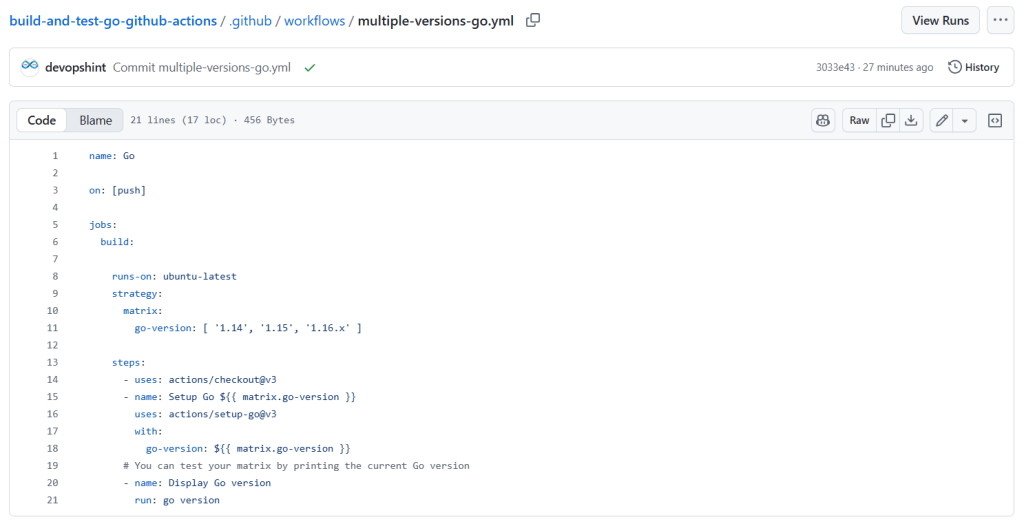
Explanation (Key differences):
strategy: matrix:: This block introduces a build matrix, which automatically creates a separate job for each value in thego-versionarray.go-version: [ '1.14', '1.15', '1.16.x' ]: The matrix variable defining three different Go versions to test against.go-version: ${{ matrix.go-version }}: Uses the variable defined in the matrix to dynamically set the Go version for each parallel job.
Once all files are created:
- Push the repository (or commit from GitHub UI).
- GitHub Actions will automatically detect both workflow files.
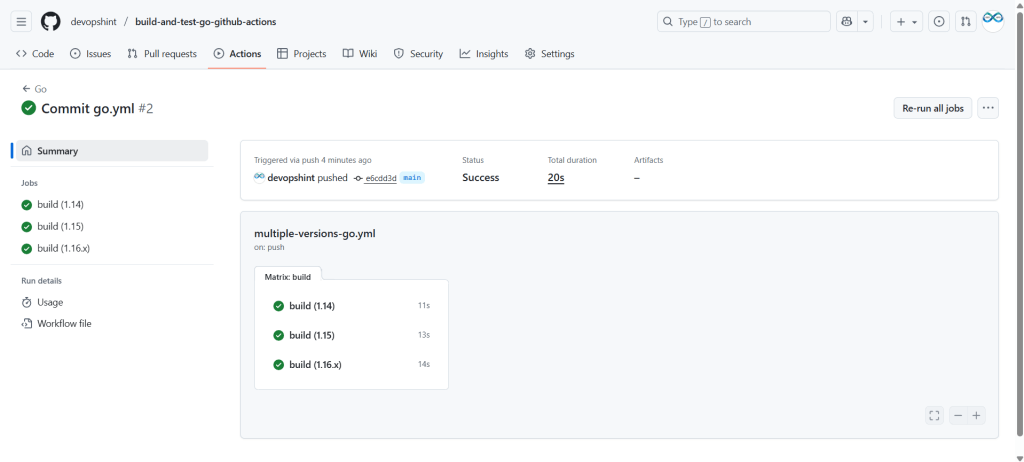
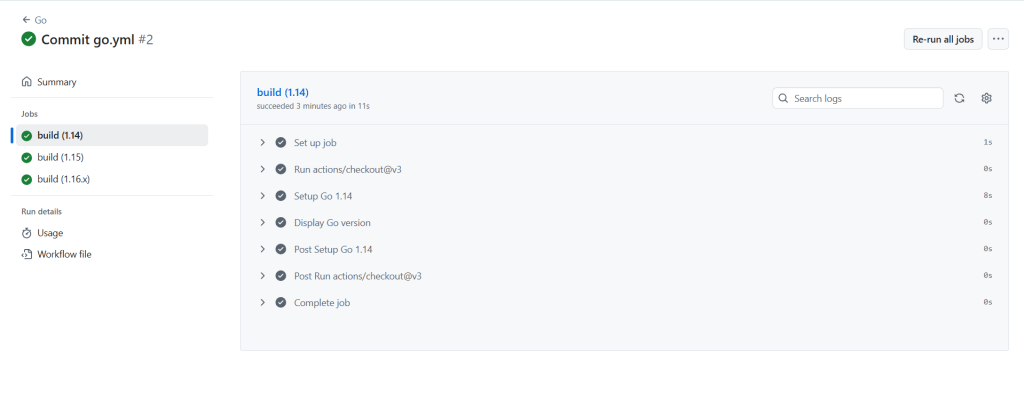
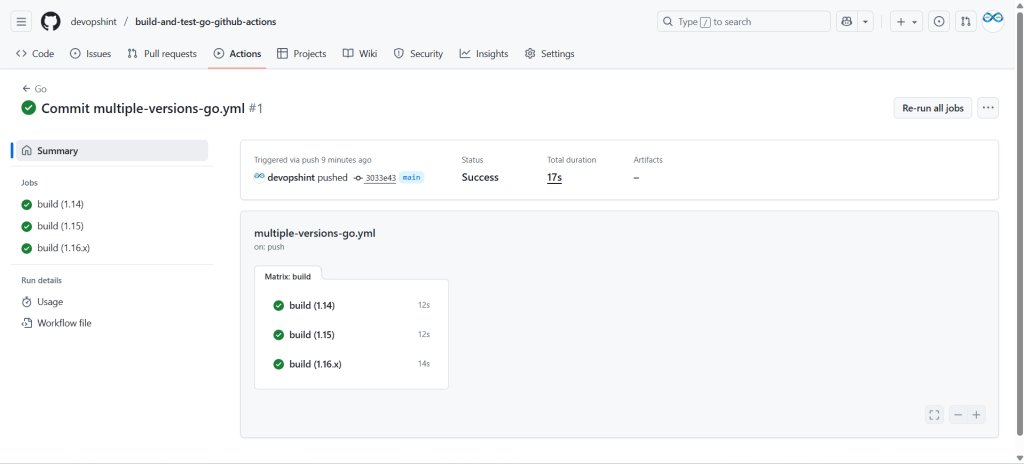
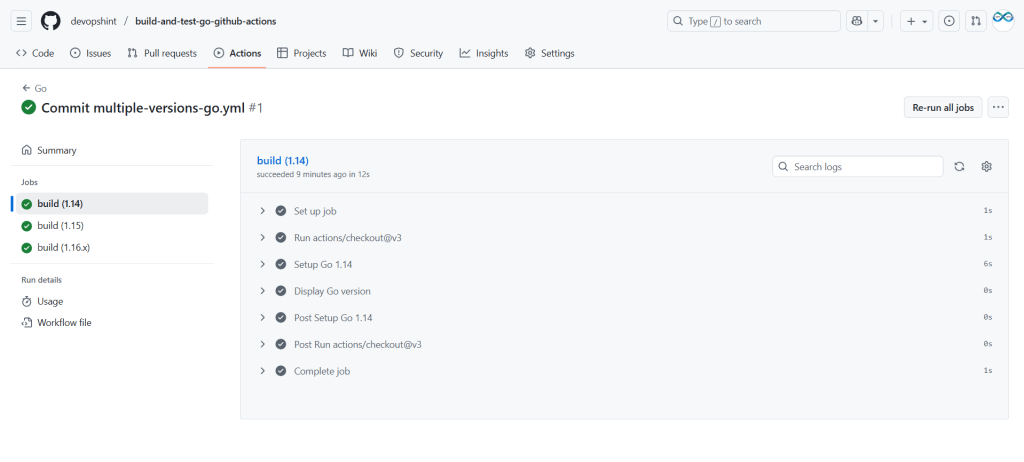
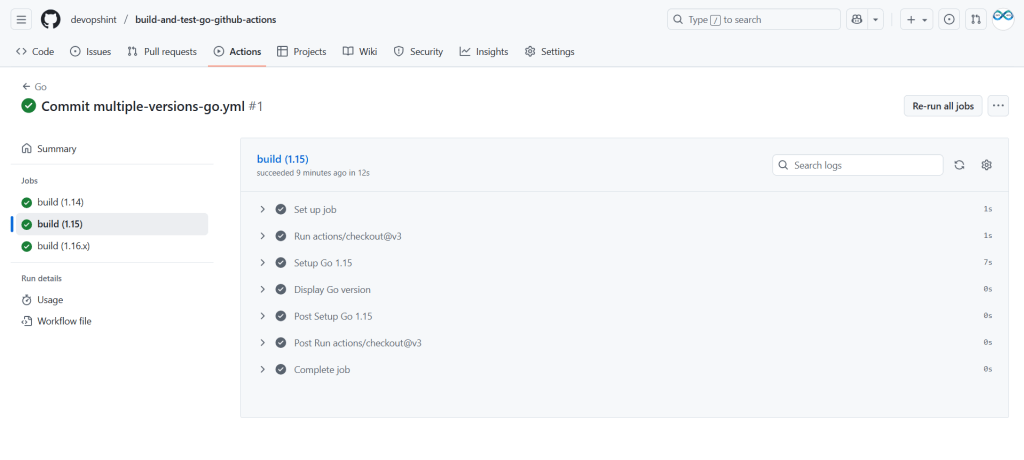
- You will see 2 parallel workflows running under:
GitHub → Actions tab
The build and test output will appear there. (go.yml)


multiple-versions-go.yml

Conclusion:
Setting up GitHub Actions for a Go project is a straightforward process that integrates essential CI/CD steps directly into your repository. By defining a workflow in the .github/workflows/ directory, you can automate repetitive tasks like building and testing with every code push, ensuring code quality and consistency across multiple environments or Go versions using matrix builds. This streamlined automation is crucial for modern software development.
Related Articles:
Building and Testing a Python Project with GitHub Actions
Reference:
