
In this article we are going to cover How to Install Nexus Repository Manager on Ubuntu 24.04 LTS.
In today’s software development environment, effective dependency management and artifact storage are essential for high-quality applications. Nexus Repository, an open-source tool by Sonatype, offers a powerful solution for managing binaries, libraries, and other artifacts throughout the development lifecycle. It streamlines collaboration by enabling teams to efficiently share and deploy artifacts.
This article provides a step-by-step guide to installing Nexus Repository on Ubuntu 24.04 LTS. Whether you’re an experienced developer or just starting, this guide will help you set up your Nexus instance to enhance your development workflow. Let’s get started!
Table of Contents
Prerequisites
- Ubuntu 24.04 LTS with minimal installation
- SSH Access with admin privileges
Install OpenJDK 17 on Ubuntu 24.04 LTS
Install OpenJDK 17 on Ubuntu 24.04 LTS
sudo apt update
sudo apt install openjdk-17-jdk -y
Verify the installation:
java -version

Download and Install Nexus Repository Manager on Ubuntu 24.04 LTS
Go to the Nexus Repository downloads page and copy the link for the latest version. Then, use get to download it.
cd /opt
sudo wget https://download.sonatype.com/nexus/3/latest-unix.tar.gz
Once the download is complete, extract the tarball:
sudo tar -xvzf latest-unix.tar.gz
Rename the extracted Nexus setup folder to nexus:
sudo mv /opt/nexus-3.73.0-12 /opt/nexusAs security practice, not to run nexus service using root user, so lets create new user named nexus to run nexus service:
sudo adduser nexusTo set no password for nexus user open the visudo file in ubuntu:
sudo visudoAdd below line into it , save and exit:
nexus ALL=(ALL) NOPASSWD: ALLGive permission to nexus files and nexus directory to nexus user:
sudo chown -R nexus:nexus /opt/nexus
sudo chown -R nexus:nexus /opt/sonatype-work
To run nexus as service at boot time, open /opt/nexus/bin/nexus.rc file, uncomment it and add nexus user as shown below:
sudo nano /opt/nexus/bin/nexus.rcuncomment and add:
run_as_user="nexus"Open the /opt/nexus/bin/nexus.vmoptions file:
sudo nano /opt/nexus/bin/nexus.vmoptionsTo Increase the nexus JVM heap size, you can modify the size as shown below:
-XX:MaxDirectMemorySize=2703m
-Djava.net.preferIPv4Stack=true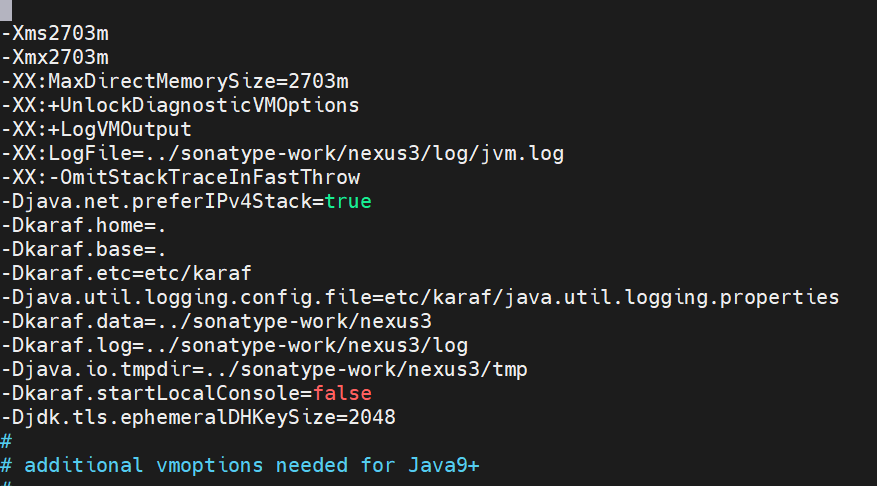
Run Nexus as a service using Systemd
To run nexus as service using Systemd:
sudo nano /etc/systemd/system/nexus.service
insert the below content:
[Unit]
Description=nexus service
After=network.target

[Service]
Type=forking
LimitNOFILE=65536
ExecStart=/opt/nexus/bin/nexus start
ExecStop=/opt/nexus/bin/nexus stop
User=nexus
Restart=on-abort

[Install]
WantedBy=multi-user.target
Start Nexus:
sudo systemctl start nexusEnable Nexus service at system startup:
sudo systemctl enable nexuscheck nexus service status:
sudo systemctl status nexus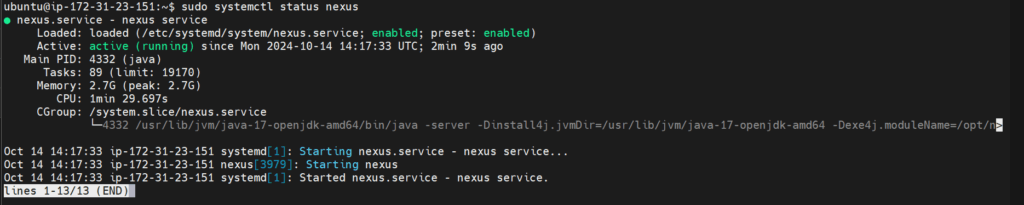
Access Nexus Repository on Web Interface
To access Nexus repository web interface , open your browser.
if you are running UFW firewall on Ubuntu, open the firewall port 8081 using below command:
ufw allow 8081/tcpUse the below command to open to access Nexus repository web interface:
http://server_IP:8081you will see below default nexus page:
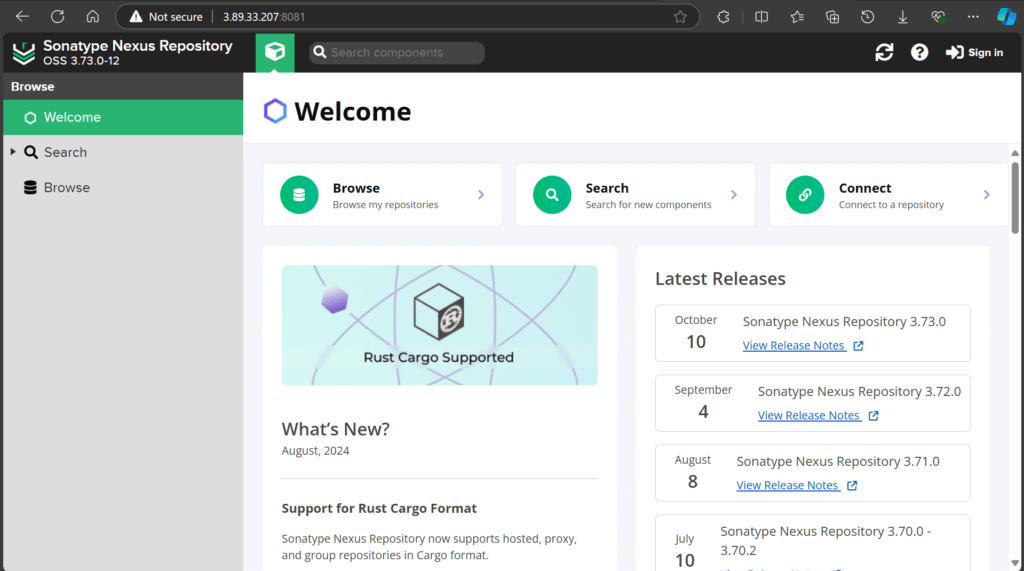
To login to Nexus, click on Sign In, default username is admin
To find default password run the below command:
sudo nano /opt/sonatype-work/nexus3/admin.passwordcopy the default nexus password and login, you can reset the password once logged in to nexus:

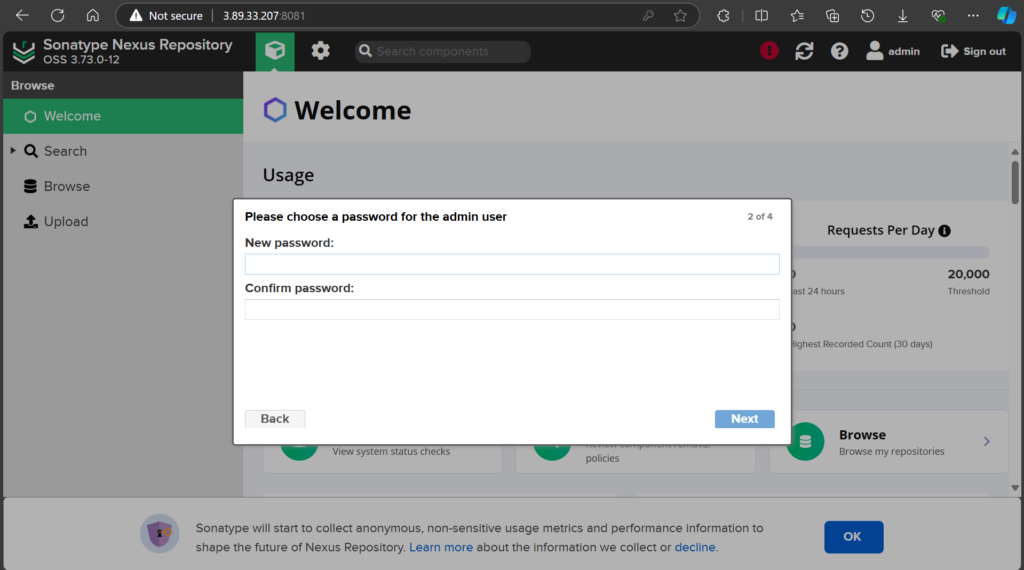
Below nexus setup wizard will show:
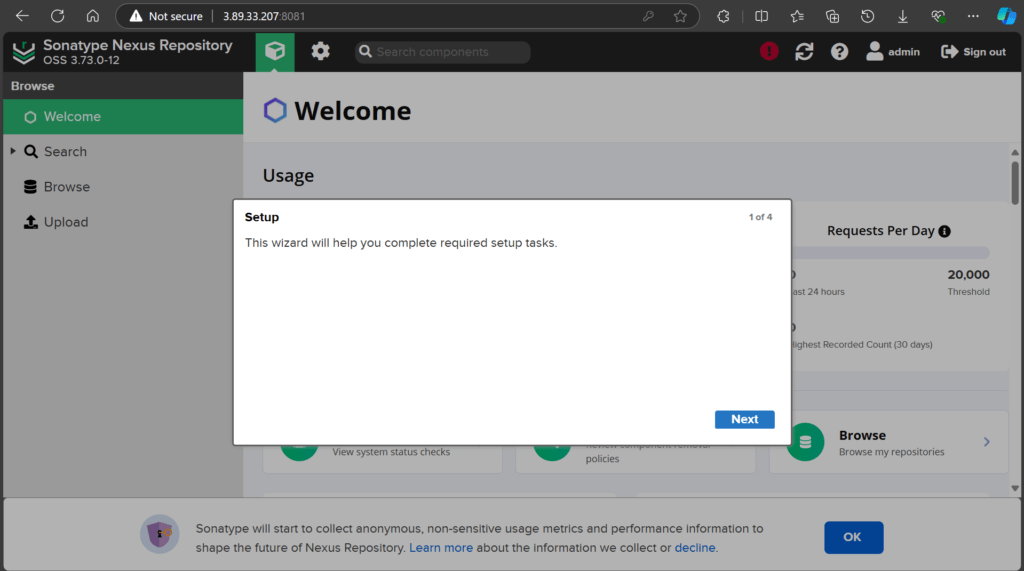
Change the default nexus admin password:
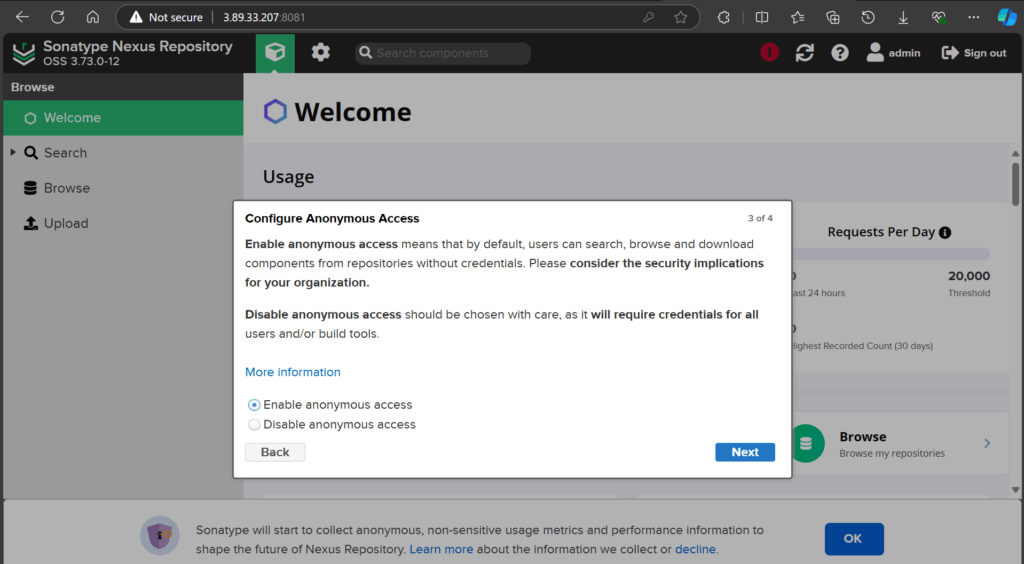
configure Anonymous Access:
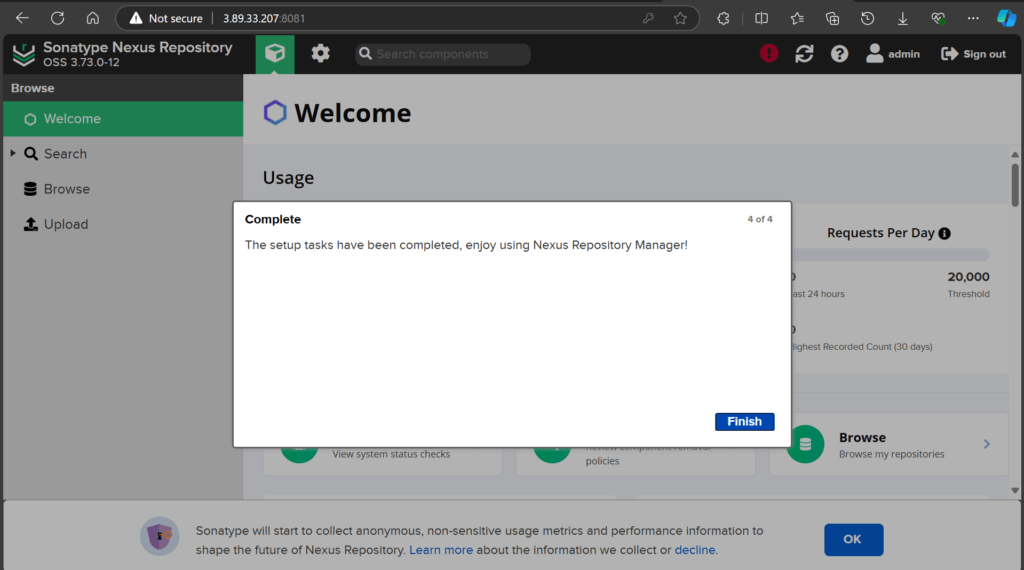
click on Finish:
Conclusion:
In this article we have covered How to Install Nexus Repository Manager on Ubuntu 24.04 LTS.
You have successfully installed Nexus Repository on Ubuntu 24.04 LTS! With your Nexus instance operational, you can now efficiently manage and store your software artifacts, enhancing your development workflow. Explore its features to customize your artifact management and consider integrating it with your CI/CD pipelines for even greater efficiency.
Related Articles:

Thanks for the article! worked as expected
Thanks
did same but cant connect to URL
please share error logs.
good job
nexus repo working url is
https://download.sonatype.com/nexus/3/nexus-3.85.0-03-linux-x86_64.tar.gz